How to Find Your Billing Due Date
Your billing due date is on your monthly statement. Here's how to find it in the Brinks Home™ App or the Customer Portal.
Where to Look
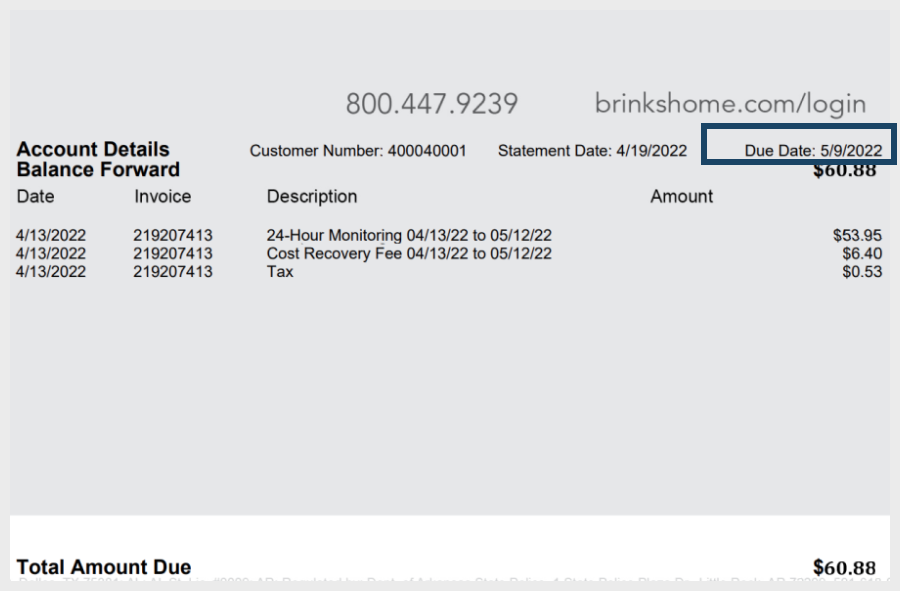
Open any statement. Your due date is on the right side, next to Due Date.
In the Brinks Home App
Log in to the Brinks Home App.
More than one home? If you have more than one home on the same login, you can switch at the top left: tap Change next to the address.
Tap the 3 lines in the top left corner to open the menu, then tap My Account.
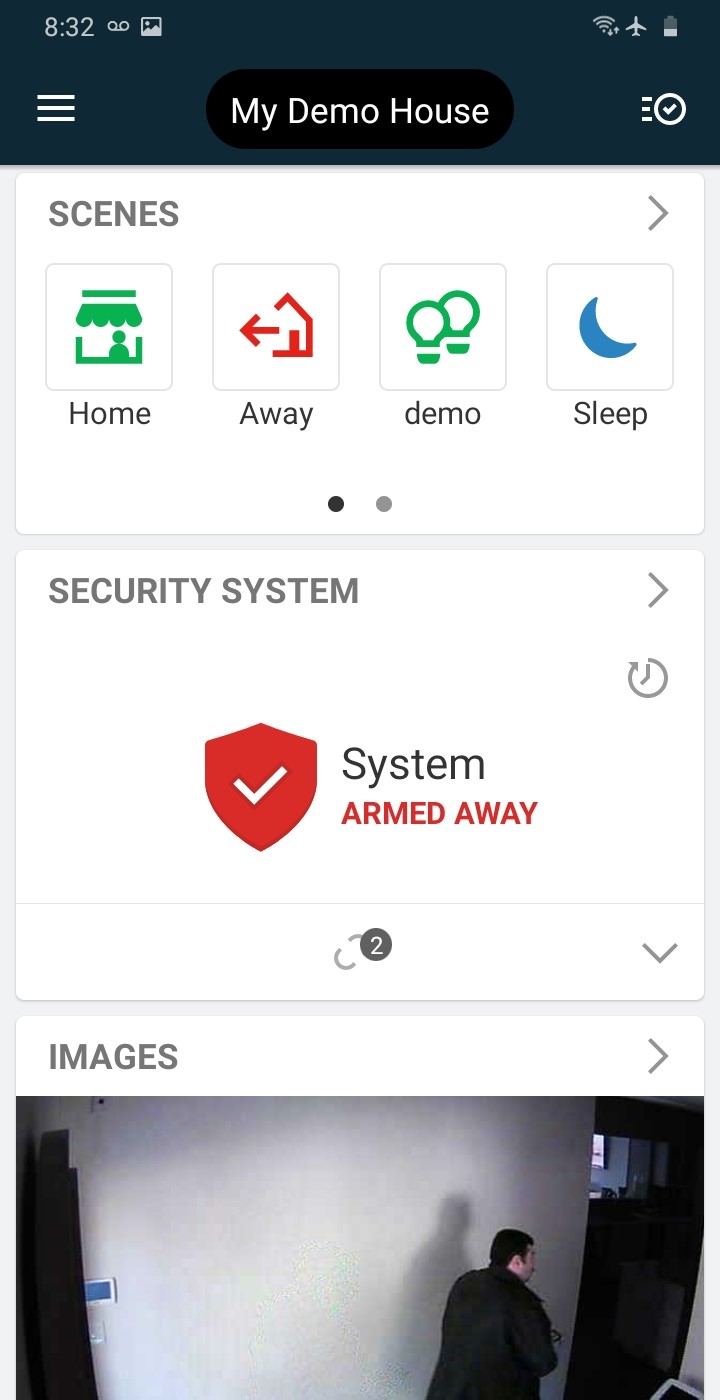
Tap the 3 lines 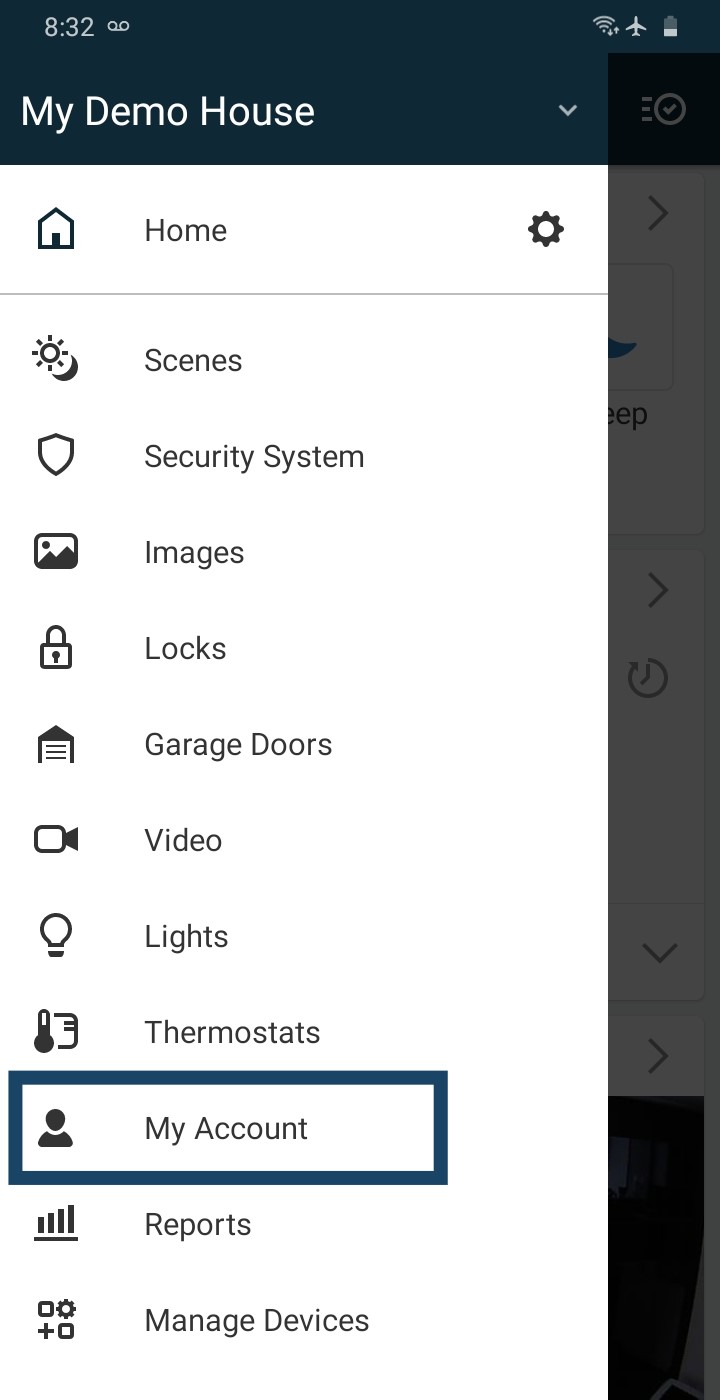
Tap My Account Tap the Billing tab at the top of the page, then scroll down and tap Statements.
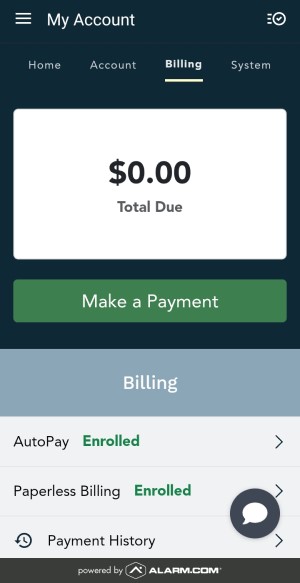
The Billing tab 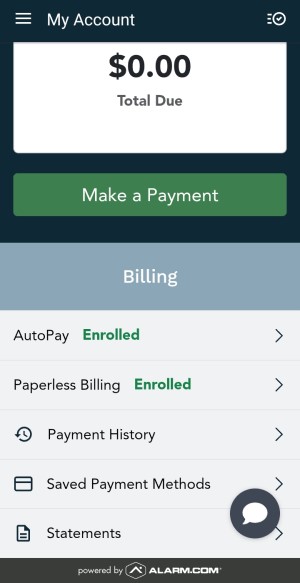
Scroll down, tap Statements Tap any statement under Statements. It opens as a PDF you can read.
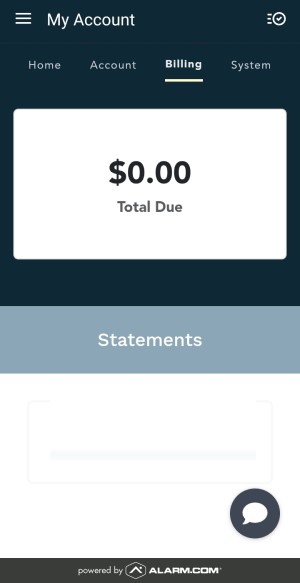
The Statements screen (this example has no statements yet) Your due date is on the right side of the statement (see the example at the top).
In the Customer Portal
Log in to the Customer Portal. If you are already logged in, this link takes you straight to your Statements page.
More than one home? If you have more than one home on the same login, you can switch at the top left: click Change next to the address.
Click the Billing tab at the top of the page, then click Statements.
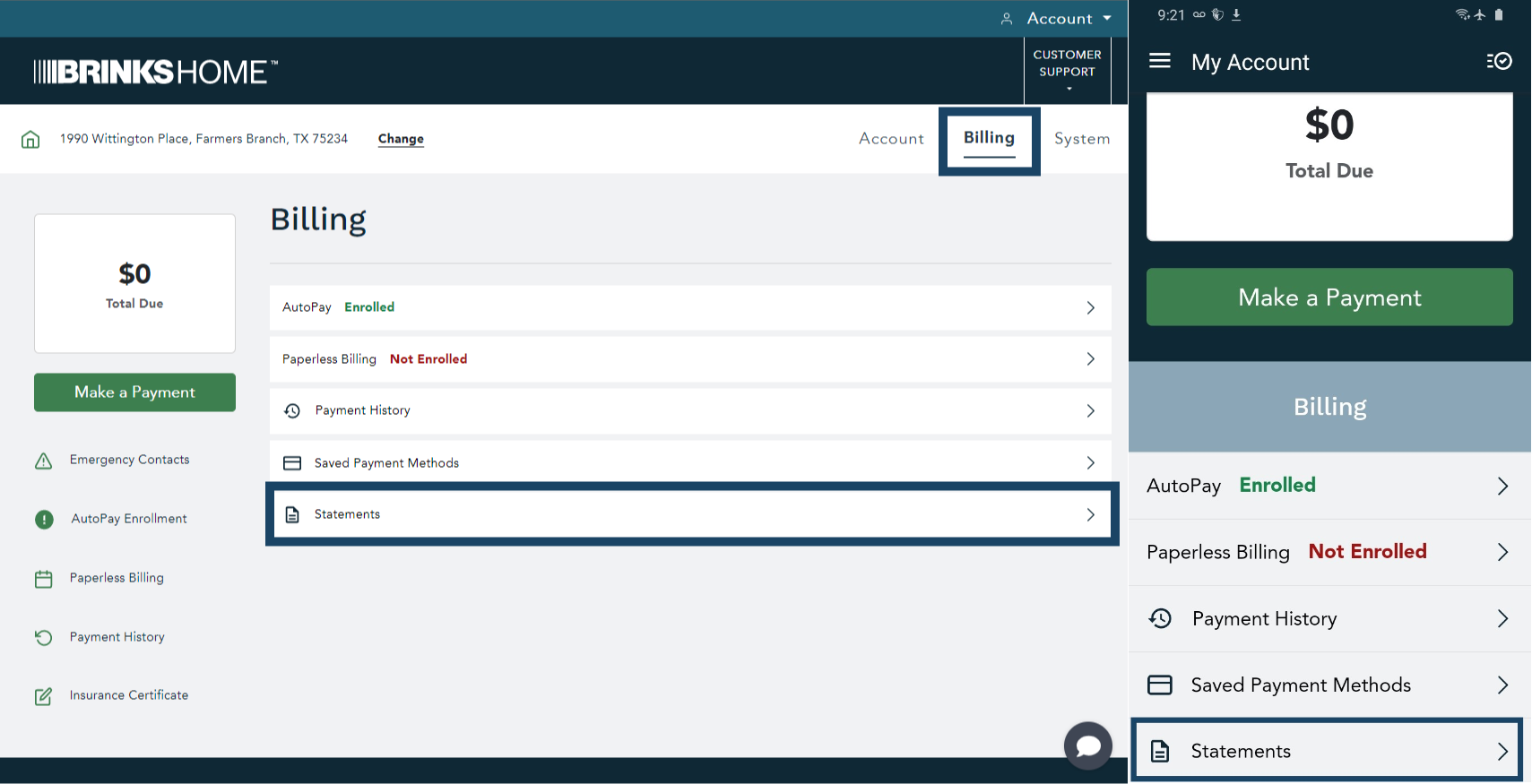
Billing, then Statements (tap to enlarge) Click any statement under Statements. It opens as a PDF you can read.
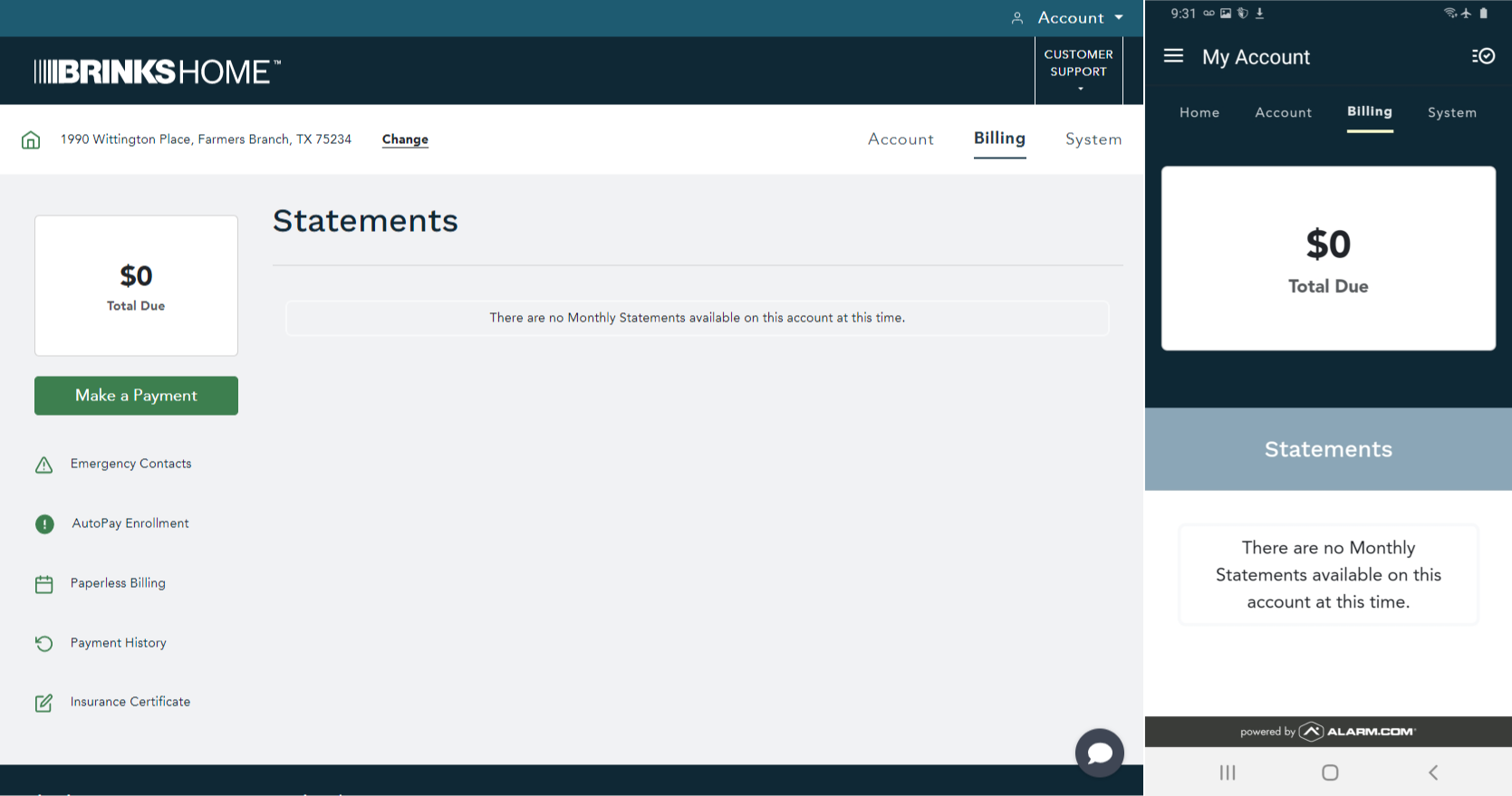
The Statements page (this example has no statements yet) (tap to enlarge) Your due date is on the right side of the statement (see the example at the top).


Change Your Due Date
Need a different due date? A Support Representative can tell you whether you can change it, and what your choices are. From your mobile phone, text 469.513.8685 any time.
Still Need Help?
Can't log in, or still can't find your due date? Our support team can help.
Contact Brinks Home™ Support